Preventing Future Hacks & Hardening Your Website Security
By Glenn Lyvers · Updated · 3 min read
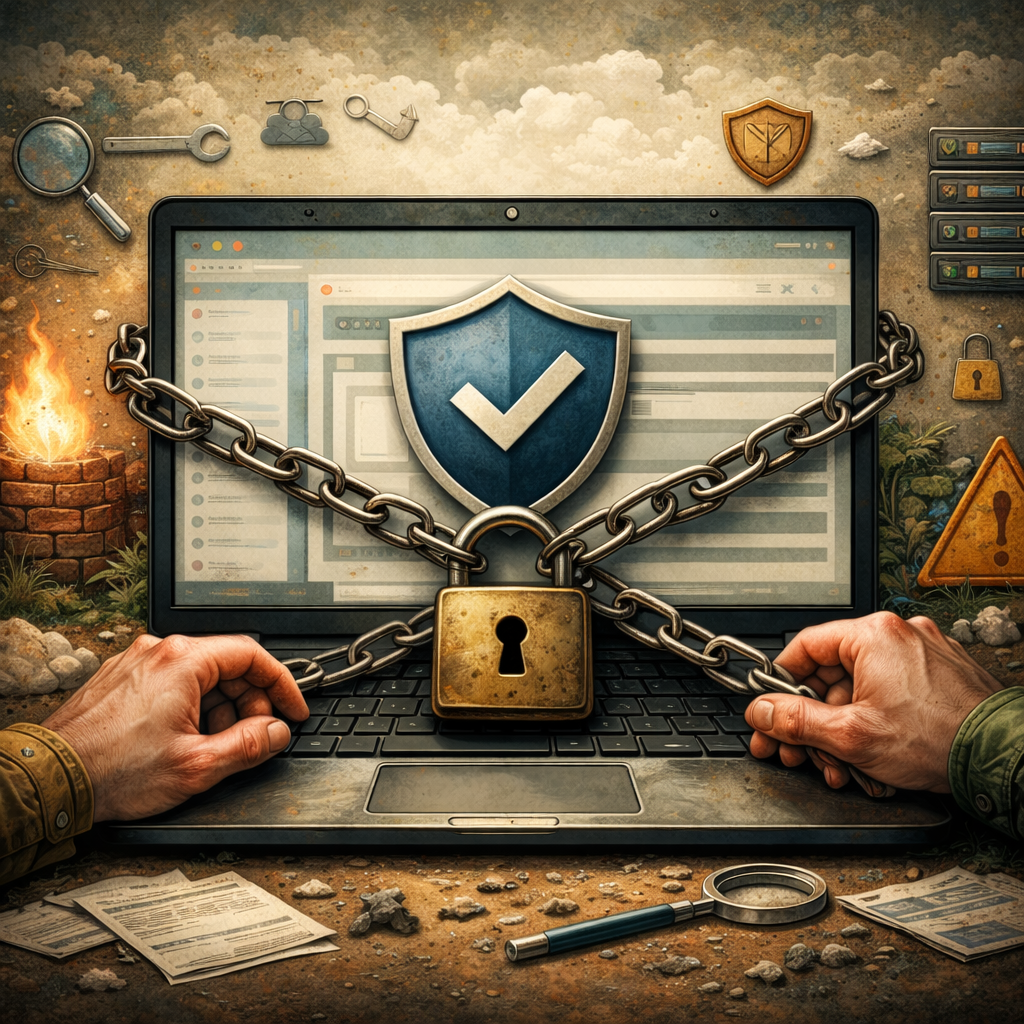
If you’re reading this, chances are your website has already faced the nightmare of being hacked. I understand the panic and frustration that comes with it. The good news is that you can take steps to prevent future hacks and harden your website security. Let’s dive into practical strategies that you can implement right away to protect your site and regain your peace of mind.
1. Implement Proactive Monitoring
One of the best ways to start preventing future hacks is to set up a robust monitoring system. Here’s what I recommend:
- Use file integrity monitoring tools to alert you when critical files are changed unexpectedly.
- Enable login alerts to notify you of unusual login attempts, especially from unfamiliar IP addresses.
- Conduct regular uptime checks to ensure your site isn’t serving malware or experiencing downtime due to a hack.
I’ve seen this pattern on hundreds of sites, and these proactive measures can significantly reduce the risk of a successful attack. If you need help implementing these strategies effectively, I’m here to assist you in locking down your site and ensuring it stays secure.
2. Strengthen Your Backup Strategy
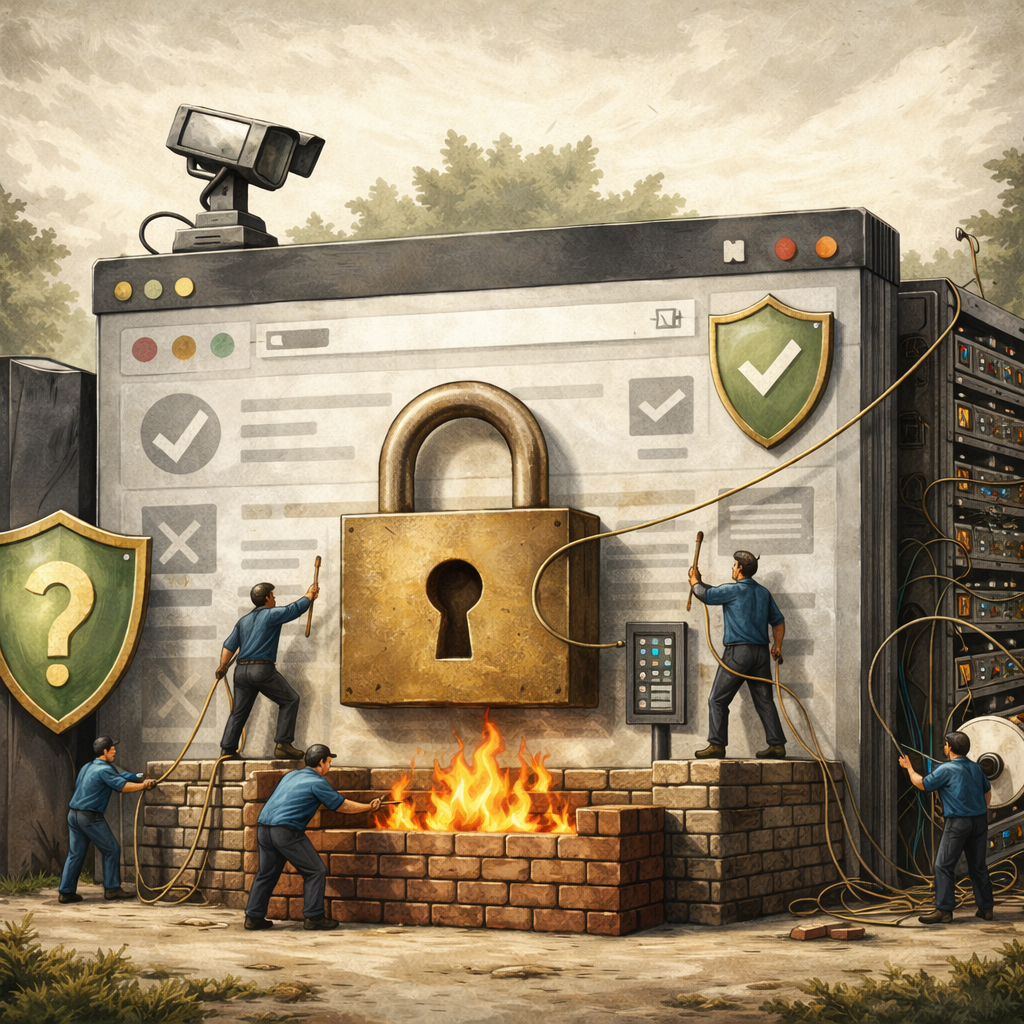
In the unfortunate event that something goes wrong, having a solid backup strategy can make all the difference. Here’s how to set this up:
- Create complete backups of your site at least once a week, including both files and databases.
- Utilize a reliable plugin or service that offers automated backups for consistency.
- Store backups in multiple locations, such as a cloud service and an external hard drive, to avoid a single point of failure.
Many owners rely solely on their hosting provider’s backups, which may not cover all data. Regularly test your backups to ensure you can restore your site without issues. If you’d like help setting this up or verifying that you're properly protected, I can assist you with tailored solutions to fit your needs.
3. Choose and Configure Effective Security Tools
Choosing a security plugin or firewall that truly works is crucial in preventing future hacks. Here’s what I recommend:
- Evaluate options like Wordfence or my custom security plugins for robust protection.
- After installation, enable the firewall protection feature immediately to block malicious traffic.
- Activate malware scanning and schedule it to run frequently, at least once a week.
- Configure login attempt limits to prevent brute force attacks by locking out users after several failed attempts.
Always keep your security plugin updated to benefit from ongoing improvements and new features. If you’re feeling uncertain about whether you’ve done it correctly or just want to ensure optimal security, I can step in. I specialize in selecting and configuring security tools tailored specifically to your site’s needs.
4. Hardening Your Site for Long-Term Security
After a cleanup, proactively hardening your site is essential to prevent future hacks. Here are the steps I recommend:
- Tighten your file permissions to ensure that files are set to 644 and directories to 755.
- Implement a Web Application Firewall (WAF) to filter out malicious traffic before it reaches your site.
- Enable two-factor authentication (2FA) for all admin accounts to add an extra layer of security.
- Regularly back up your site, ideally daily, and store backups offsite.
- Set up monitoring tools to track changes in your site files and alert you to any suspicious activity.
I’ve seen this pattern on hundreds of sites, and I check all of these factors when I handle a cleanup. By following these steps, you can significantly reduce the risk of future hacks. If you need help with these implementations, I’m here to assist you.
Preventing future hacks and hardening your website security requires diligence and the right strategies. If you want me to handle the cleanup personally, that’s what I do every day — reach out and I’ll take a look at your site to ensure it’s secure for the future.
Related reading: rotating credentials after a hack, stealer malware on your own machine.
Two specific follow-ups: stopping wp-login.php brute-force attacks and what Cloudflare does not protect you from.
Common questions
What is WordPress hardening?
**Hardening** means locking down WordPress so the same attack vectors cannot be used again: updating all software, removing unused plugins and themes, fixing file permissions, disabling unsafe features, enforcing strong passwords, and limiting admin access.
How do I prevent my site from being hacked again?
1. Keep WordPress core, themes, and plugins **updated**
2. Use **strong unique passwords**
3. Remove any **nulled** or unused plugins and themes
4. Enable **two-factor authentication** on admin accounts
5. Use a **monitoring plan** to catch problems early
Hardening as part of **Bulletproof Cleaning** covers all of this.
Do I need a security plugin like Wordfence?
A security plugin helps, but it is not a silver bullet. Many hacked sites we clean were running Wordfence. Plugin + hardening + monitoring is far stronger than plugin alone.
What is two-factor authentication and do I need it?
**2FA** requires a second code (from your phone) to log in, so stolen passwords alone cannot be used. Every WordPress admin account should have it. DrGlenn enables it during hardening if you want.
How often should I update WordPress?
As soon as security updates are released. Most are automatic for minor versions. Major core updates, plugin updates, and theme updates should be applied within days - not months.
Why do outdated plugins get hacked?
Every plugin update usually patches a security hole. When you do not update, attackers use published vulnerability details to attack your site within hours. Outdated plugins are the #1 WordPress hack vector.
Should I delete unused plugins?
Yes - absolutely. Deactivated plugins still exist on the filesystem and can be exploited. Delete anything you are not actively using.
Should I delete old WordPress themes?
Yes. Keep only the active theme and maybe one fallback (like a default twentytwentyfour). Every extra theme is a potential entry point.
How do I change file permissions correctly?
The safe defaults are **755 for directories** and **644 for files**, with `wp-config.php` at **600 or 440**. DrGlenn fixes these automatically during hardening.
Do I need a web application firewall (WAF)?
A WAF (Wordfence, Sucuri, Cloudflare) adds a useful layer, but it is not a substitute for cleanup and hardening. Many sites we clean had a WAF enabled. WAF + hardening + monitoring is the right combo.
How can I proactively harden my site after a cleanup to prevent future hacks?
To proactively harden your site after a cleanup, start by reviewing and tightening your file permissions. Ensure that files are set to 644 and directories to 755, which helps restrict unauthorized access. Implement a Web Application Firewall (WAF) to filter out malicious traffic before it reaches your site.
Enable two-factor authentication (2FA) for all admin accounts to add an extra layer of security. Regularly back up your site, ideally daily, and store backups offsite so you can quickly restore if something goes wrong. Set up monitoring tools to track changes in your site files and alert you to any suspicious activity.
I've seen this pattern on hundreds of sites, and I check all of these factors when I handle a cleanup. By following these steps, you can significantly reduce the risk of future hacks. If you need help with these implementations, I’m here to assist you.
What server‑level settings should I review to make my site more resilient?
To make your site more resilient, you need to focus on server hardening. Start by implementing SSH key authentication instead of relying on passwords, which can be easily compromised. Disable root login to prevent unauthorized access; instead, create a separate user with sudo privileges.
Next, set up fail2ban to protect against brute-force attacks by blocking IP addresses that exhibit suspicious behavior. Ensure your firewall is properly configured to only allow necessary ports and services, minimizing exposure to potential threats.
I’ve seen this pattern on hundreds of sites, and these steps are crucial in preventing reinfection. If you need help implementing these changes or want a thorough security audit, I can assist you in making your site more secure.
How do I choose and configure a security plugin or firewall that actually works?
To choose and configure a security plugin or firewall that truly works, start by evaluating options like Wordfence or one of the DrGlenn custom plugins for this purpose. Use tools with strong reputations for providing robust protection. Once you’ve made your selection, install the plugin and take the following steps to optimize its settings for your site.
First, ensure that you enable the firewall protection feature right away. This will help block malicious traffic before it reaches your site. Next, activate malware scanning and schedule it to run frequently, at least once a week. This proactive approach will help you catch vulnerabilities before they become serious issues.
You should also configure the login attempt limits to prevent brute force attacks. Set it to lock out users after several failed attempts—this will make it much harder for hackers to gain access.
Finally, always keep your security plugin updated to the latest version to benefit from ongoing improvements and new features.
If you’re feeling uncertain about whether you’ve done it correctly or just want to ensure optimal security, I can step in. I specialize in selecting and configuring security tools tailored specifically to your site’s needs. With my experience in handling compromised websites, I know exactly what to prioritize, and I can guide you through setting it up effectively. Just reach out when you’re ready to fortify your site against future attacks.
What backup strategy should I use so I can recover fast if something goes wrong?
To recover quickly if something goes wrong, you need a solid backup strategy. Start by creating complete backups of your site at least once a week, including both files and databases. Use a plugin or a service that offers automated backups to ensure consistency. Store these backups in multiple locations, like a cloud service and an external hard drive, to protect against any single point of failure.
I've seen this pattern on hundreds of sites: many owners rely on just their hosting provider's backups, which may not be reliable or may not cover all data. Don't just set your backup schedule and forget it; regularly test your backups to ensure you can restore your site without issues.
If you’d like help setting this up or verifying that you're properly protected, I can assist you with tailored solutions to fit your needs.
How do I monitor for early signs of compromise so I catch issues before they escalate?
To monitor for early signs of compromise, you need to implement a few key strategies. Start by setting up file integrity monitoring to alert you when critical files are changed unexpectedly. Use tools that can notify you of unauthorized modifications, which can be a red flag for a potential breach.
Next, enable login alerts to track any unusual login attempts. This means you should receive immediate notifications for failed logins or logins from unfamiliar IP addresses. It’s essential to keep an eye on your user accounts and their activity.
Additionally, conduct regular uptime checks to ensure your site isn’t serving malware or undergoing downtime due to a hack. If you notice any discrepancies, investigate immediately.
I've seen this pattern on hundreds of sites, and these proactive measures can significantly reduce the risk of a successful attack. If you need help implementing these strategies effectively, I’m here to assist you in locking down your site and ensuring it stays secure.
More than malware
Most people meet me in an emergency. It isn’t all I do.
I’ve been building and repairing systems since 1995. Whatever brought you here, there’s a good chance I can help with the rest of it too — and you’ll be dealing with the same person either way.
Hacked, but not WordPress?
Joomla, Drupal, Magento, Shopify, PrestaShop, Laravel, Node, IIS and plain HTML — cleaned the same way, priced the same way.
Take a look →Custom builds & AI systems
Plugins, custom applications, website chatbots and automation — built to do exactly what you need, maintained by the person who wrote them.
Take a look →Servers, speed, SEO & accessibility
Migrations, faster load times, technical SEO and accessibility fixes. Measured improvements, with the numbers to show you.
Take a look →Better web hosting
Fast, secure hosting with SSL and backups included at no extra charge. Clear pricing, no long-term contracts, no surprises.
Take a look →Classes & free tools
Rather learn to handle it yourself? I teach this, and I give away the tools I built for my own cleanups.
Take a look →Something else broken?
Half my work is untangling what someone else started, gave up on, or broke. Describe it in plain words and I’ll tell you honestly.
Take a look →Tell me what’s wrong. I’ll tell you what it takes.
No queue, no call centre, no sales pitch — one person who answers, quotes honestly, and does the work.