WordPress Malware Removal in Dallas-Fort Worth
By DrGlenn — USA-based WordPress security specialist· 290+ cleanups across 34 countries· Updated June 22, 2026
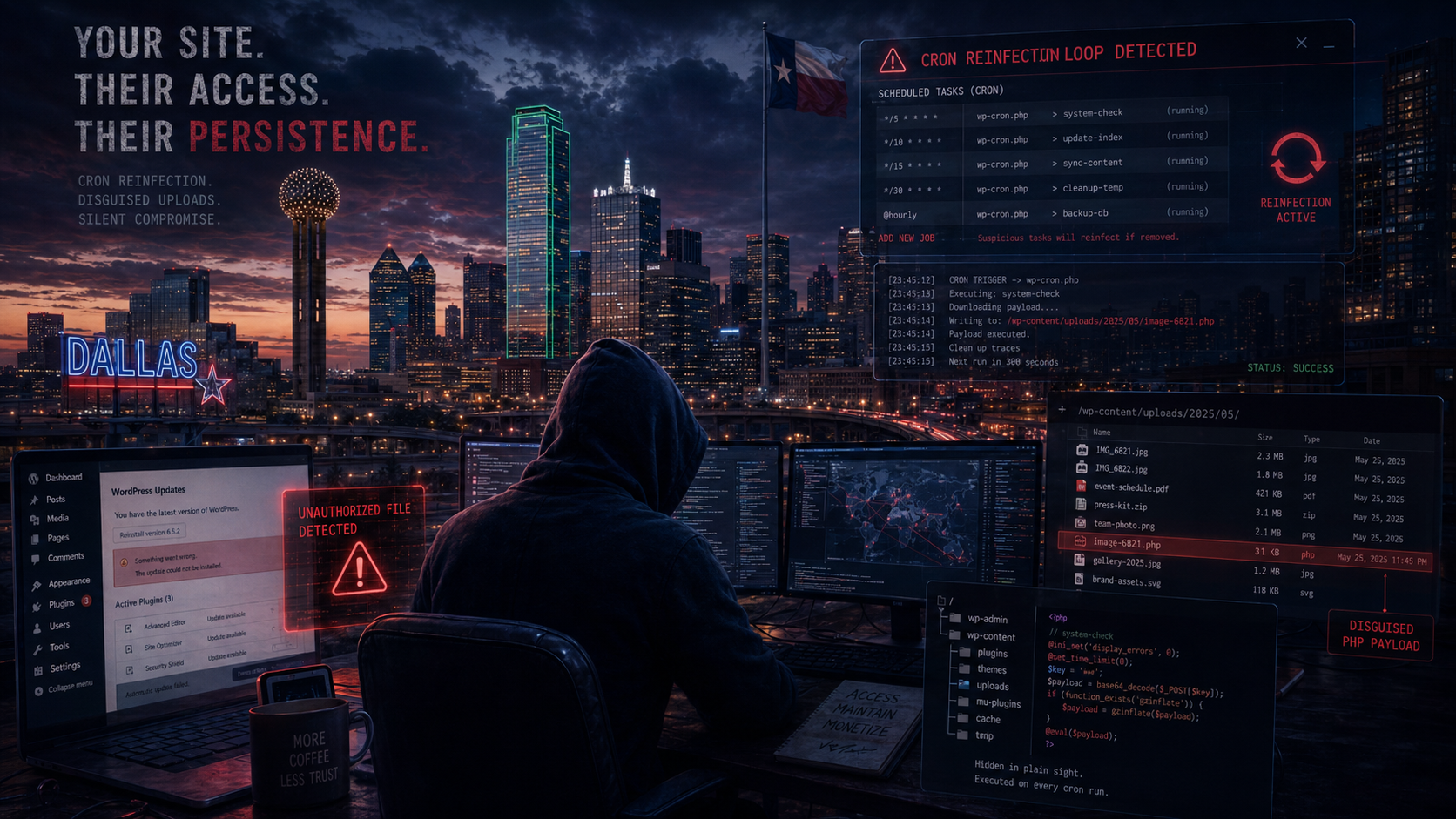
WordPress Malware Removal in Dallas–Fort Worth — USA-Based, Accountable Help
The Dallas–Fort Worth metro is booming, and so is the number of small businesses depending on a WordPress site to bring in customers. When that site gets hacked, starts redirecting to spam, or earns a Google blacklist warning, every day it’s down is business handed to a competitor. DrGlenn removes the malware, clears the warnings, and hardens your site — working with you directly from the United States on Central time. One accountable American expert, not an overseas reseller.
Why DFW Business Owners Avoid the Offshore Shortcut
Texas business owners value a straight deal and a handshake you can trust. The anonymous offshore “malware removal” that won’t take a call, can’t explain what it did, and leaves new backdoors behind is the opposite of that — and it’s your hosting login and customer data at stake. Here you get one named U.S. expert who keeps your credentials in American hands, talks to you in plain English, and has a real, verifiable reputation on the line.
Central Time, Quick Turnaround
On Central time, you’re not stuck waiting overnight for a reply from across the world. Most cleanups are completed within 24–48 hours of starting. From Frisco and Plano startups to Fort Worth service companies and Dallas e-commerce shops, the goal is simple: get you clean, get the Google warning lifted, and keep it from happening again.
What’s Included
- Full malware scan of WordPress core, themes, plugins, uploads, and database
- Removal of backdoors, injected spam, malicious redirects, and rogue admin users
- Google and antivirus blacklist / false-positive removal requests
- Security hardening so the same hole can’t be reused
- A plain-English report of what happened and how it was fixed
Frequently Asked Questions
Do you have to be in Dallas to help? No — everything is handled securely online, so DFW clients get a U.S.-based expert with no on-site visit needed.
How fast is the cleanup? Most are finished within 24–48 hours of starting, often sooner.
Can you remove the Google or antivirus warning? Yes — after the site is clean I submit the delisting and false-positive removal requests for you.
Examples of Infections I’ve Cleaned
A few real cleanups — client names withheld for confidentiality:
Files that kept coming back every few hours
A cleaned site kept reinfecting on a schedule — a hidden cron job was pulling malware from a remote server and rewriting the files every few hours. I tracked down the scheduled task across cPanel cron, server cron, and WordPress pseudo-cron, then removed it and the scripts feeding it.
PHP shells disguised as uploads
The attacker had dropped PHP files into wp-content/uploads dressed up as images and thumbnails, using double extensions like image.php.jpg. I cleared the malicious files, disabled PHP execution in the upload folders, and closed the vulnerable plugin that allowed the upload in the first place.
See all twelve in my full WordPress hack case studies, or read genuine client feedback on my reviews page.
WordPress Malware Removal in Other Cities
Wherever your business is, you get the same USA-based expert. More service areas:
Not listed? I help WordPress owners nationwide — see my USA-based WordPress malware removal service.
Get Your Dallas–Fort Worth Site Cleaned
Hire a real American WordPress security expert instead of an overseas queue. Email DrGlenn@FixMyHackedWebsite.com, message me on WhatsApp, or place an order. See the full USA-based WordPress malware removal service.
Dallas WordPress cleanup beyond the visible payload
I work remotely with Dallas site owners and hosts. A complete investigation looks past the first malicious file and checks the account for the path back in, including database injections, rogue users, scheduled tasks and other sites sharing the hosting account.
- Preserve files, database and logs before deleting suspicious content.
- Review administrators, application passwords, cron events and database options.
- Retest mobile, private-browser and search-result visits after cleanup.
More than malware
Most people meet me in an emergency. It isn’t all I do.
I’ve been building and repairing systems since 1995. Whatever brought you here, there’s a good chance I can help with the rest of it too — and you’ll be dealing with the same person either way.
Hacked, but not WordPress?
Joomla, Drupal, Magento, Shopify, PrestaShop, Laravel, Node, IIS and plain HTML — cleaned the same way, priced the same way.
Take a look →Custom builds & AI systems
Plugins, custom applications, website chatbots and automation — built to do exactly what you need, maintained by the person who wrote them.
Take a look →Servers, speed, SEO & accessibility
Migrations, faster load times, technical SEO and accessibility fixes. Measured improvements, with the numbers to show you.
Take a look →Better web hosting
Fast, secure hosting with SSL and backups included at no extra charge. Clear pricing, no long-term contracts, no surprises.
Take a look →Classes & free tools
Rather learn to handle it yourself? I teach this, and I give away the tools I built for my own cleanups.
Take a look →Something else broken?
Half my work is untangling what someone else started, gave up on, or broke. Describe it in plain words and I’ll tell you honestly.
Take a look →Tell me what’s wrong. I’ll tell you what it takes.
No queue, no call centre, no sales pitch — one person who answers, quotes honestly, and does the work.